
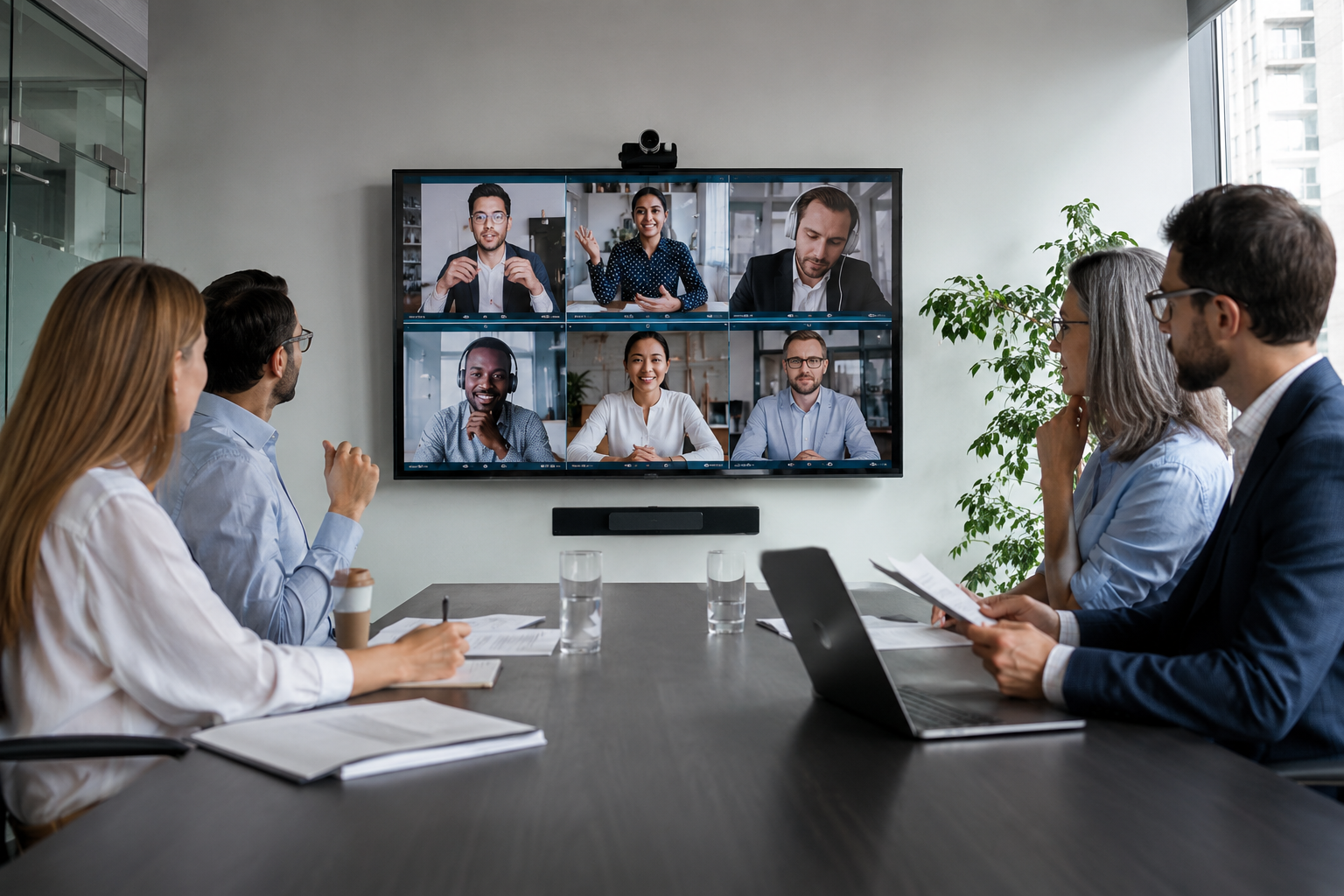
Why Conference Room Systems Frustrate Employees
Last Updated on May 23, 2026 by PJ Windle
Most employees don’t think much about conference room technology — until it stops a meeting in its tracks.
A delayed video call, missing audio, unreliable screen sharing, or a confusing control system can turn a simple meeting into an unnecessary source of frustration. In many offices, the problem isn’t that the technology is “bad.” It’s that the system was never designed around how people actually work.
Modern conference rooms need to support hybrid collaboration, multiple devices, wireless presentation, video conferencing platforms, and reliable connectivity — all while remaining simple enough for anyone to use without technical assistance.
When that balance is missing, productivity suffers quickly.
TL;DR
Conference room systems frustrate employees when meetings become difficult to start, audio quality is poor, Wi-Fi is unreliable, or too many disconnected technologies create unnecessary complexity.
Modern offices need AV systems designed around usability, hybrid collaboration, reliable networking, and simple day-to-day workflows — not just more equipment.
- Complicated conference room setups waste time and delay meetings
- Poor audio quality often creates more frustration than video issues
- Wi-Fi and network reliability directly impact conferencing performance
- Hybrid work environments require better planning and system integration
- Employees should be able to start meetings without technical assistance
- The best conference rooms prioritize simplicity, reliability, and ease of use
Too Many Systems Working Independently
One of the most common problems in office AV environments is a lack of integration.
Over time, many conference rooms evolve piece by piece:
- a display gets replaced
- a webcam is added
- a speakerphone is upgraded
- wireless presentation hardware is introduced
- different conferencing platforms are layered on top
Eventually, employees are expected to navigate a room filled with disconnected technology that behaves differently every time they walk in.
That often leads to:
- meetings starting late
- constant troubleshooting
- multiple remotes
- audio routing confusion
- unreliable device switching
- employees avoiding certain rooms altogether
The best commercial AV systems simplify the experience by creating a unified workflow instead of a collection of disconnected products.
Employees Shouldn’t Need Training to Start a Meeting
One of the biggest mistakes companies make is overcomplicating the user experience.
If employees need a cheat sheet taped to the wall just to launch a Zoom or Teams meeting, the system has already failed from a usability standpoint.
Conference room technology should feel intuitive:
- walk in
- connect
- present
- collaborate
- leave
Simple workflows matter more than flashy hardware.
In many cases, frustration comes from systems designed around features instead of day-to-day office behavior. A room may technically have advanced capabilities, but if employees avoid using them because the process feels confusing or unreliable, the technology becomes a liability instead of an asset.
Thoughtful office AV planning focuses on usability first, then builds technology around those workflows.
Poor Audio Causes More Problems Than Most Businesses Realize
Video quality gets attention, but audio problems are often what make meetings exhausting.
Common issues include:
- echo
- inconsistent microphone pickup
- ceiling speaker distortion
- background noise
- poor voice clarity
- uneven audio levels
In hybrid meetings, remote participants experience these problems even more intensely. Employees may struggle to follow conversations, repeat themselves constantly, or disengage entirely.
Many offices focus heavily on displays and cameras while underestimating the importance of proper microphone placement, speaker coverage, acoustic considerations, and DSP tuning.
Reliable communication starts with intelligible audio.
Businesses investing in conference room AV systems should prioritize speech clarity and room acoustics just as much as display quality.
Conference Room Wi-Fi & Network Reliability Matter More Than Ever
Many conference room problems are actually infrastructure problems.
Unstable wireless connectivity, insufficient bandwidth, aging networking equipment, and poor Wi-Fi coverage can all create issues that employees mistakenly blame on conferencing software.
Symptoms often include:
- frozen video calls
- dropped meetings
- delayed screen sharing
- inconsistent wireless presentation
- lag during hybrid collaboration
As offices increasingly rely on Zoom, Microsoft Teams, cloud collaboration platforms, and wireless devices, network stability becomes just as important as the AV hardware itself.
Reliable conferencing depends on both technology integration and strong infrastructure behind the scenes.
Many businesses discover that upgrading office Wi-Fi and networking infrastructure dramatically improves meeting reliability and collaboration performance.
Hybrid Work Changed Conference Room Expectations
Today’s meeting spaces need to support both in-person and remote participants equally well.
That shift changed how conference rooms should be designed.
Older conference rooms were often built around a single display and a speakerphone in the center of the table. Modern hybrid collaboration requires more thoughtful planning, including:
- camera placement
- microphone coverage
- room acoustics
- display visibility
- wireless presentation
- lighting conditions
- network performance
Without proper planning, remote employees can easily feel disconnected from the conversation, reducing collaboration quality across teams.
Businesses designing new office spaces or renovating existing meeting rooms should also consider structured cabling and infrastructure planning early in the process to avoid future limitations.
The Goal Isn’t More Technology — It’s Less Friction
The best conference room systems are often the ones employees barely think about.
Meetings start on time. Screen sharing works consistently. Audio is clear. Employees feel comfortable using the room without technical support. Remote participants can hear and contribute naturally.
That kind of reliability usually comes from thoughtful planning rather than simply buying more equipment.
Well-designed office technology should reduce friction, improve collaboration, and support the way people actually work — not create additional obstacles during the workday.
Planning Office AV Systems That People Actually Use
Conference room technology should support productivity, not interrupt it.
AV Advisor NJ helps businesses design office AV and conferencing systems that prioritize usability, reliability, networking performance, and long-term scalability. From conference rooms and coworking spaces to hybrid collaboration environments and distributed office audio systems, the focus is always on creating solutions that feel intuitive and dependable in real-world use.
Learn more about Office & Co-Working AV Solutions, explore Commercial AV Services, or improve meeting reliability with better Networking & Wi-Fi Infrastructure.